Drawing NEW
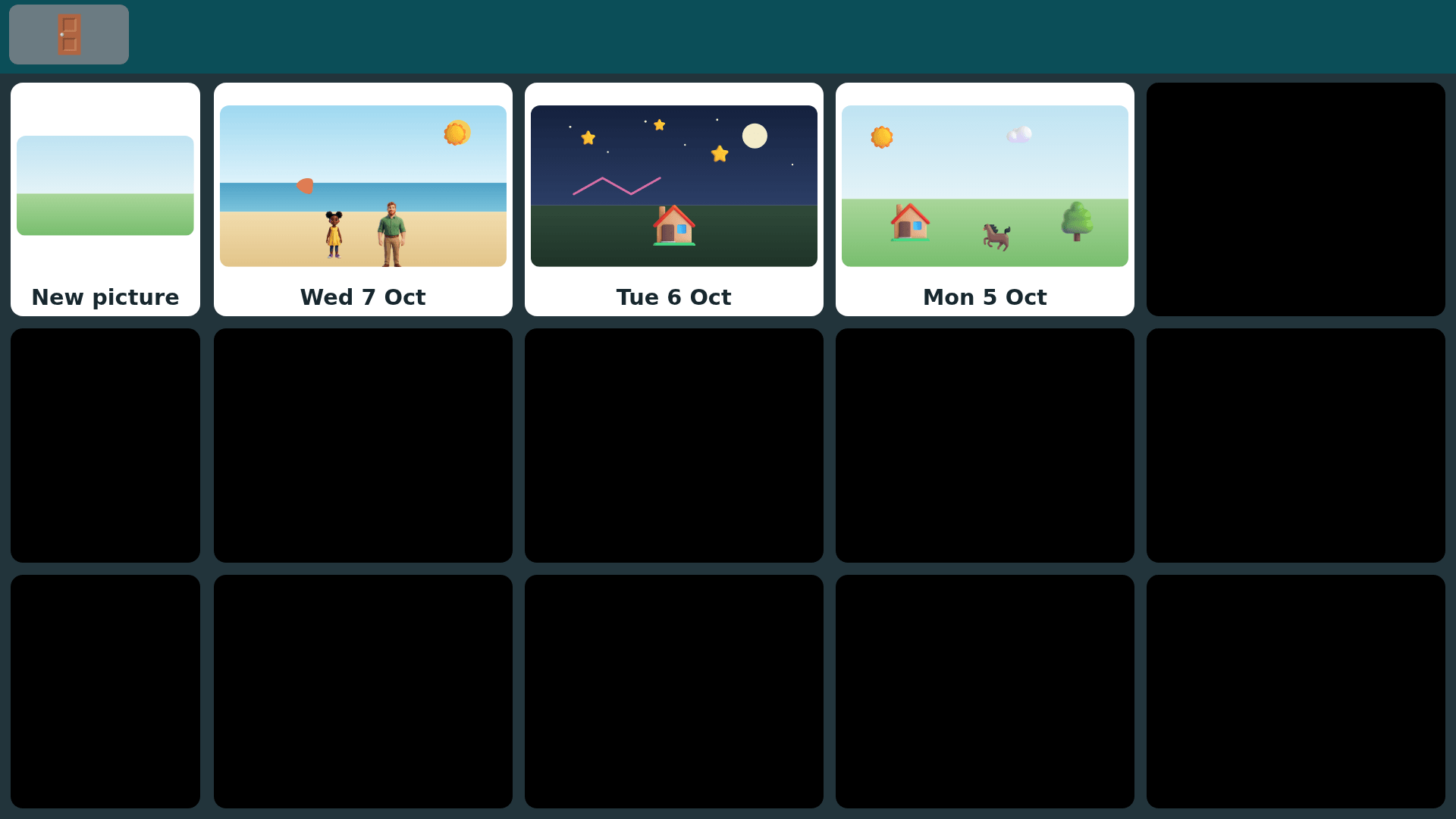
Your child makes a picture with their eyes. One look places a sticker right where it belongs, a rest starts a line in one of eight crayons, and a built-in family of people can join the scene.
Built because every child should get to make a picture of their own and send it to someone they love.
Who it's for
- Your child selects with eye gaze, touch, or both.
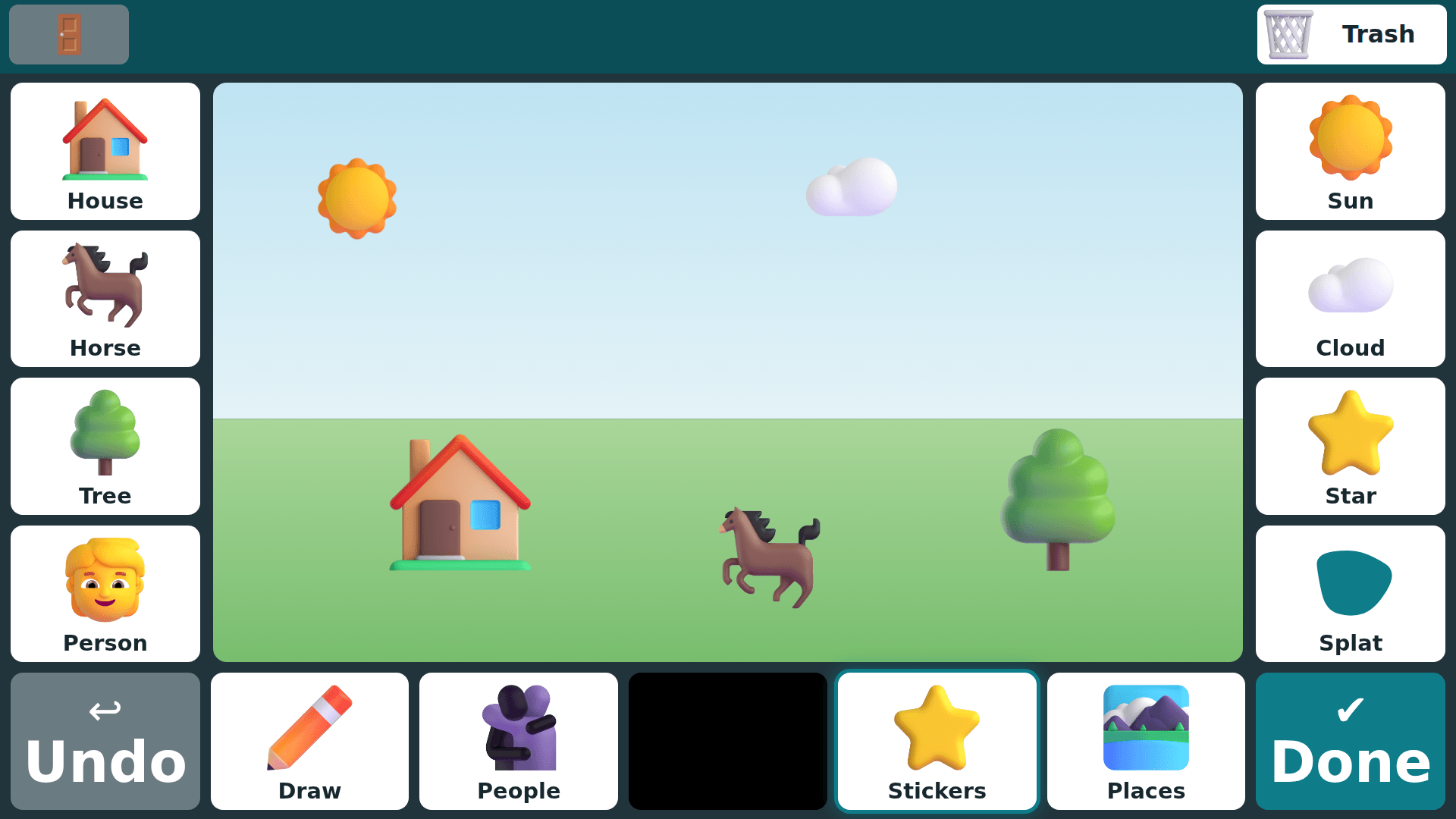
- Eight big sticker tiles sit around the picture. One look places a sticker, and it lands where it belongs: the sun in the sky, the horse on the grass.
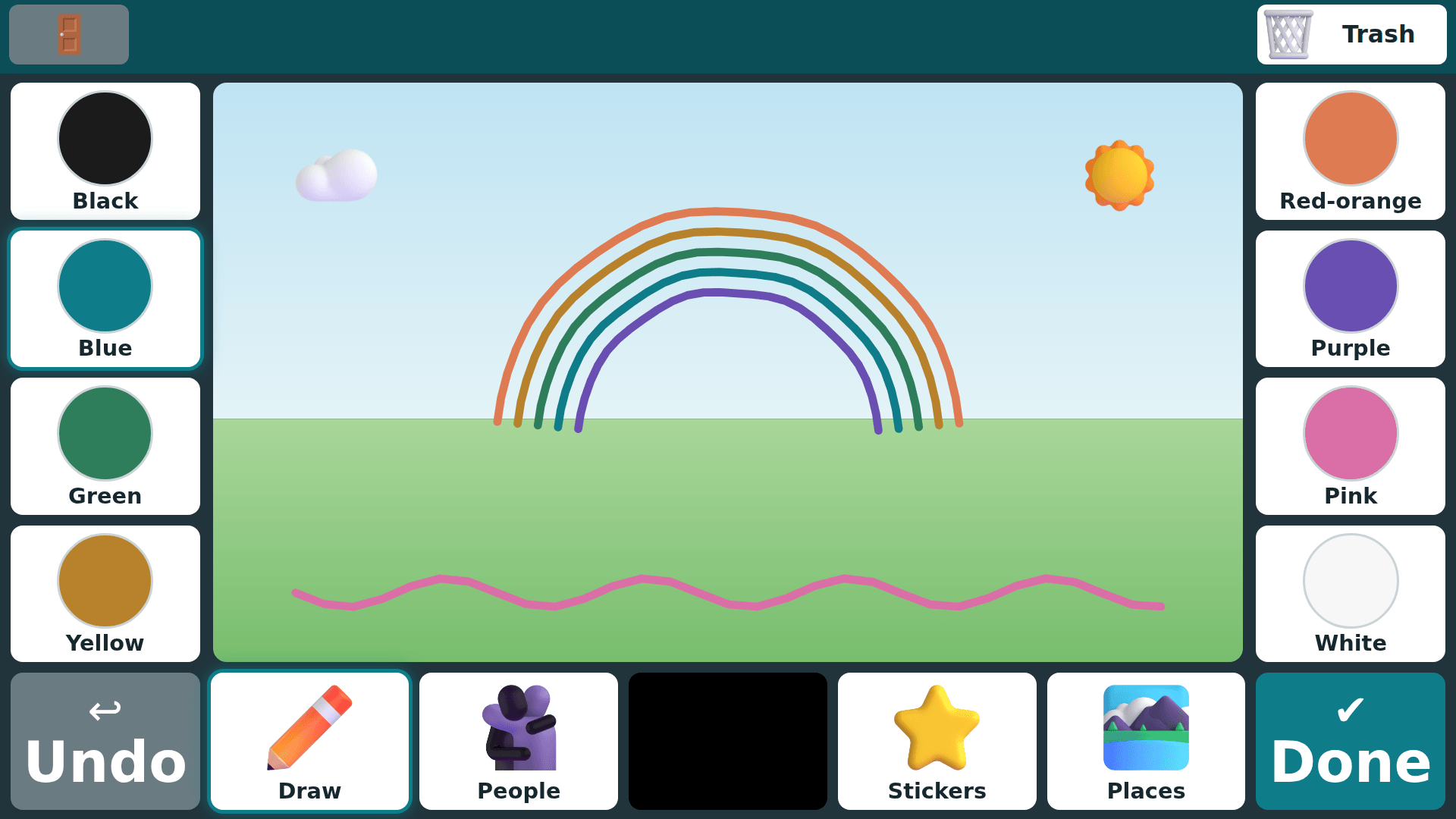
- Draw mode turns their gaze into a line. They rest to start, look where the line should go, and rest again to finish. There are eight crayons to choose from.
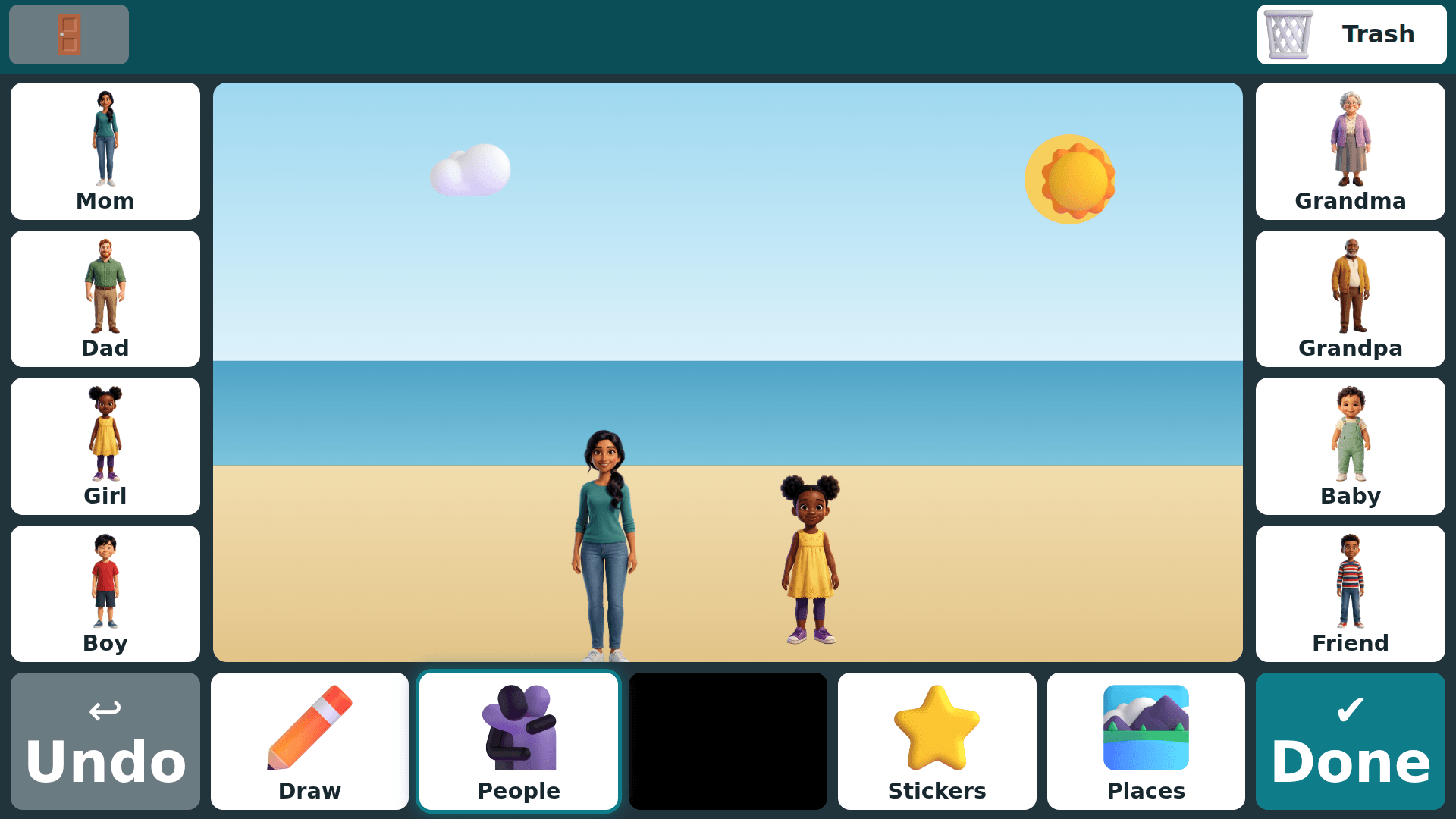
- People mode comes with a built-in family of eight: Mom, Dad, Girl, Boy, Grandma, Grandpa, Baby, and Friend. To use your own family instead, add their cut-outs to the characters folder in your family's Drive folder.
- Places mode sets the scene with eight backdrops, from a meadow and a beach to a snowy day and a starry night.
- Changed their mind? A look lifts a sticker or a person, it follows their gaze, and a rest drops it in its new spot. Undo takes back the last step.
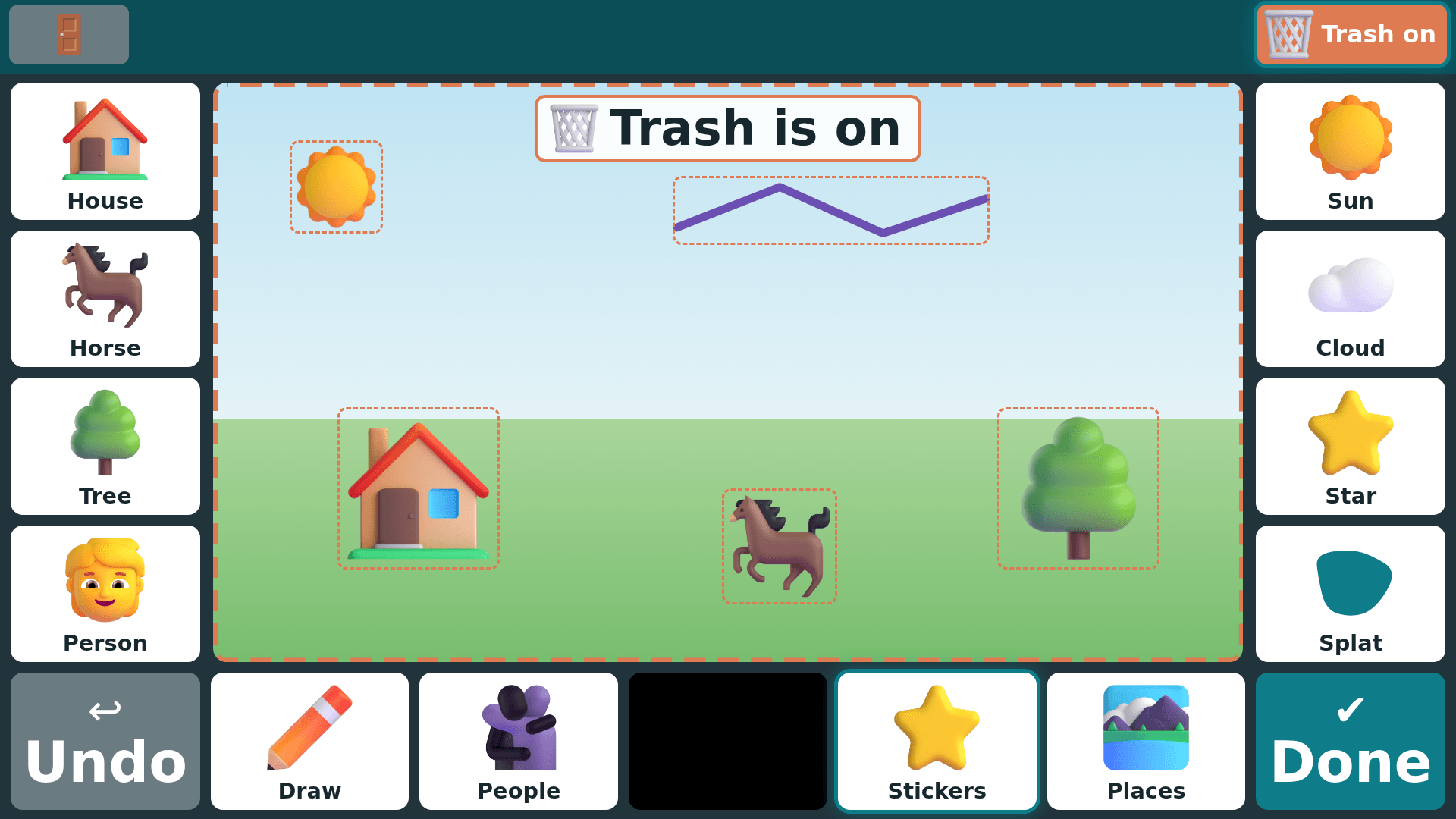
- Trash mode makes tidying up easy. With Trash on, one look at anything in the picture removes it, and Undo brings it back.
- Done puts the picture on their own shelf of drawings. If you have set up family email, it is emailed to the family too.
Private by design
Runs fully on your computer. Your child's pictures are saved in your family's own folder, and the stickers, people, and places come with the app. Emailing a picture to family is optional; nothing is sent unless you set it up.
A closer look
Drawing comes in the standard download and is already ticked when you install. One small installer. You choose which apps on the welcome screen. If Windows warns you, choose “More info”, then “Run anyway”. Nothing is wrong, we’re just a new publisher it hasn’t met yet. (If the browser holds the download back, choose Keep.)
Version · last updated · MPL-2.0 · one of the Our Era tools · see all tools or ask "which tool fits my kid?"